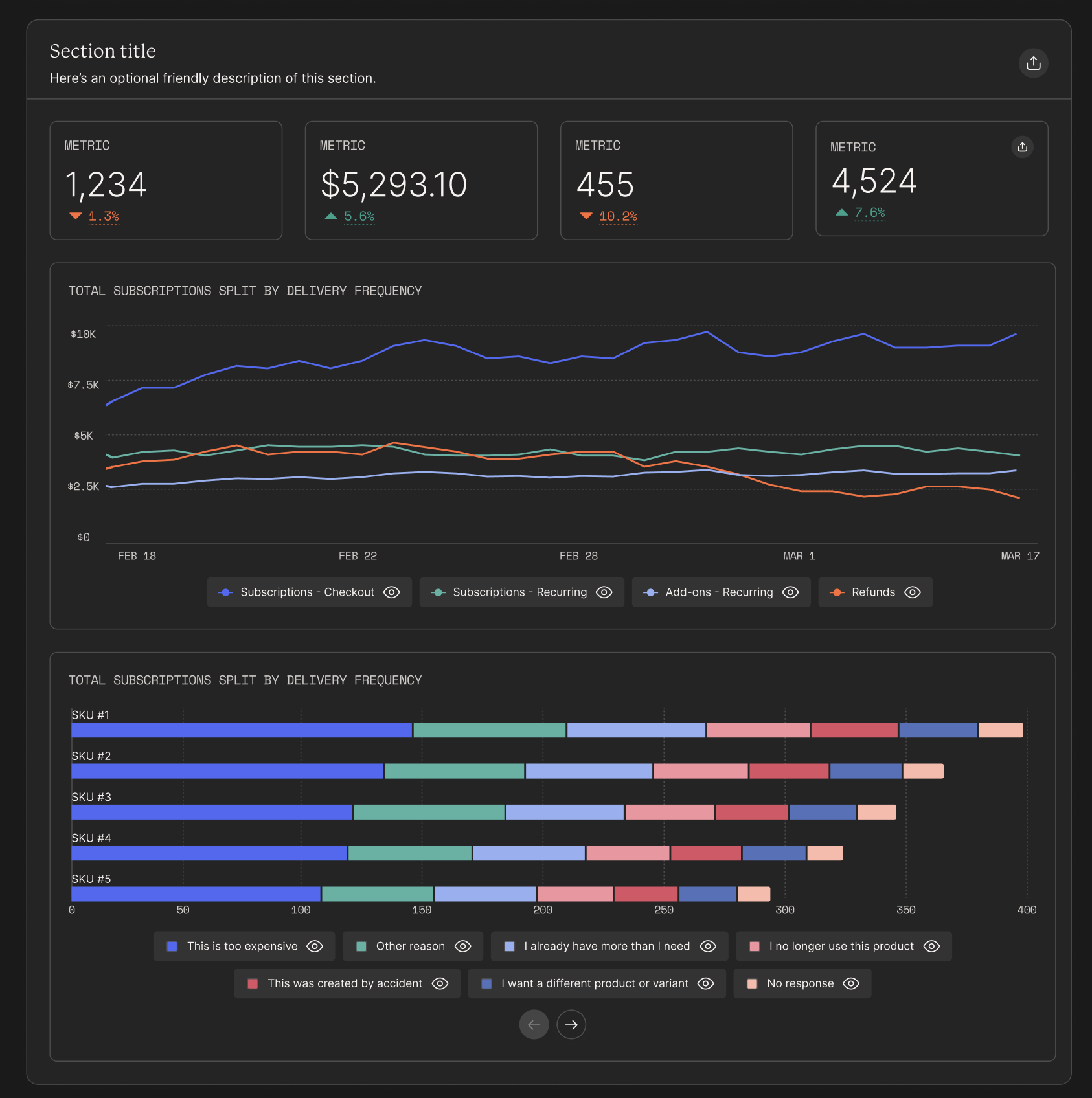
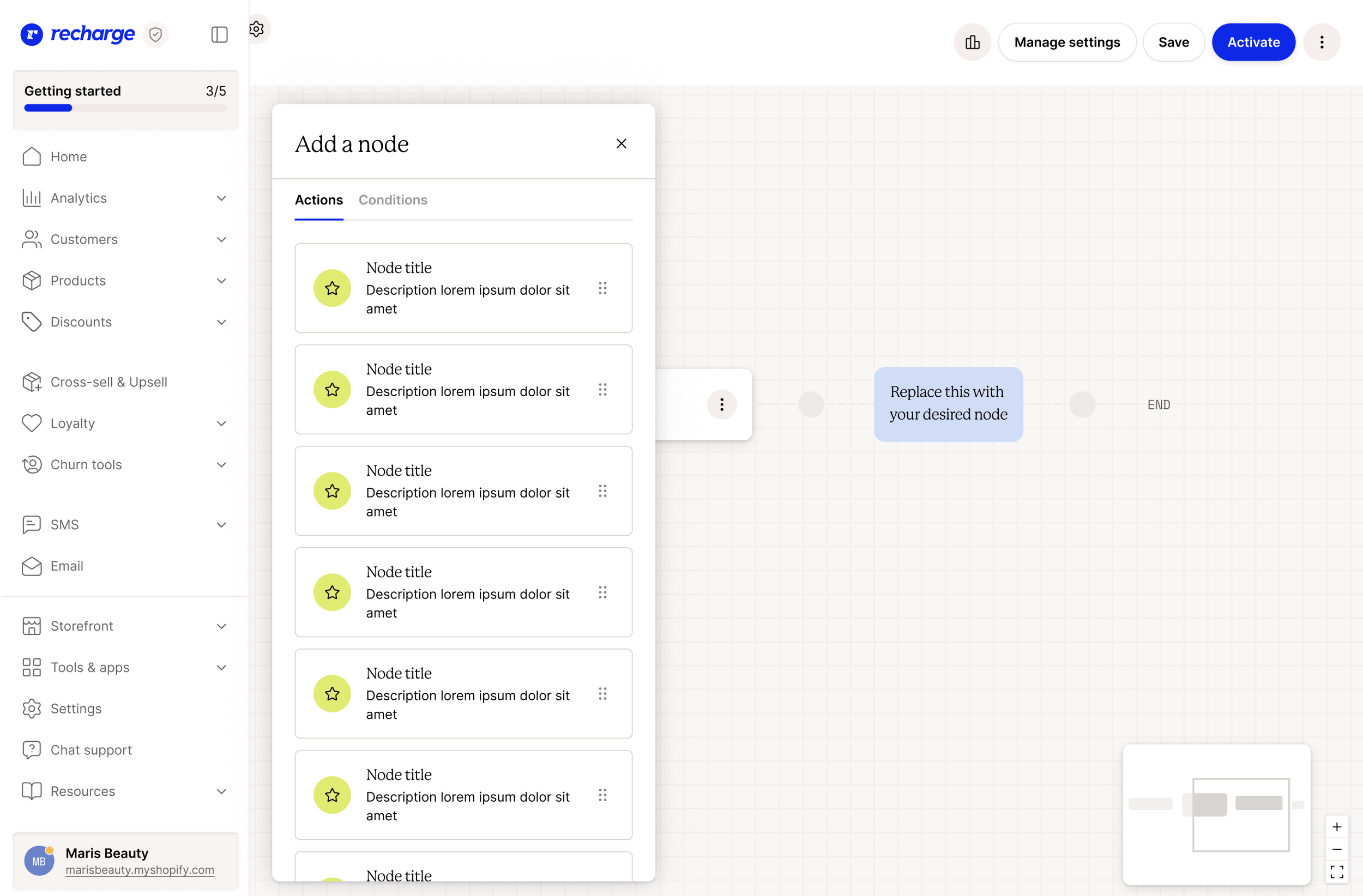
Custom reports
THE GOALROLETEAM MEMBERSLet merchants build the reports that matter most to them.
Product design lead
Project manager, frontend developer, backend developer
Let’s set the stage.
When I first started at Recharge in 2017, the product didn’t have any analytics. Merchants had to look to third-party tools to measure the success of their subscription efforts.
Over time, we built a comprehensive analytics platform into the Recharge product, including over 14 pre-built dashboards and 23 done-for-you reports.
However, a common theme when talking to merchants was that every merchant was unique. They had their own questions to ask and things to care about when it came to their analytics. A one-size-fits-all solution would never serve everyone well.
We were particularly hearing this feedback when it came to reports.

How might we let merchants keep track of the metrics that mean the most to them?
The current state of reports
We already had a lot of reports built for merchants. These reports:
Fell under 4 categories (revenue, customers, subscriptions, actions)
Gave date range controls
Gave minimal display controls (display by day/week/month)
Allowed filtering by product, variant, or segment
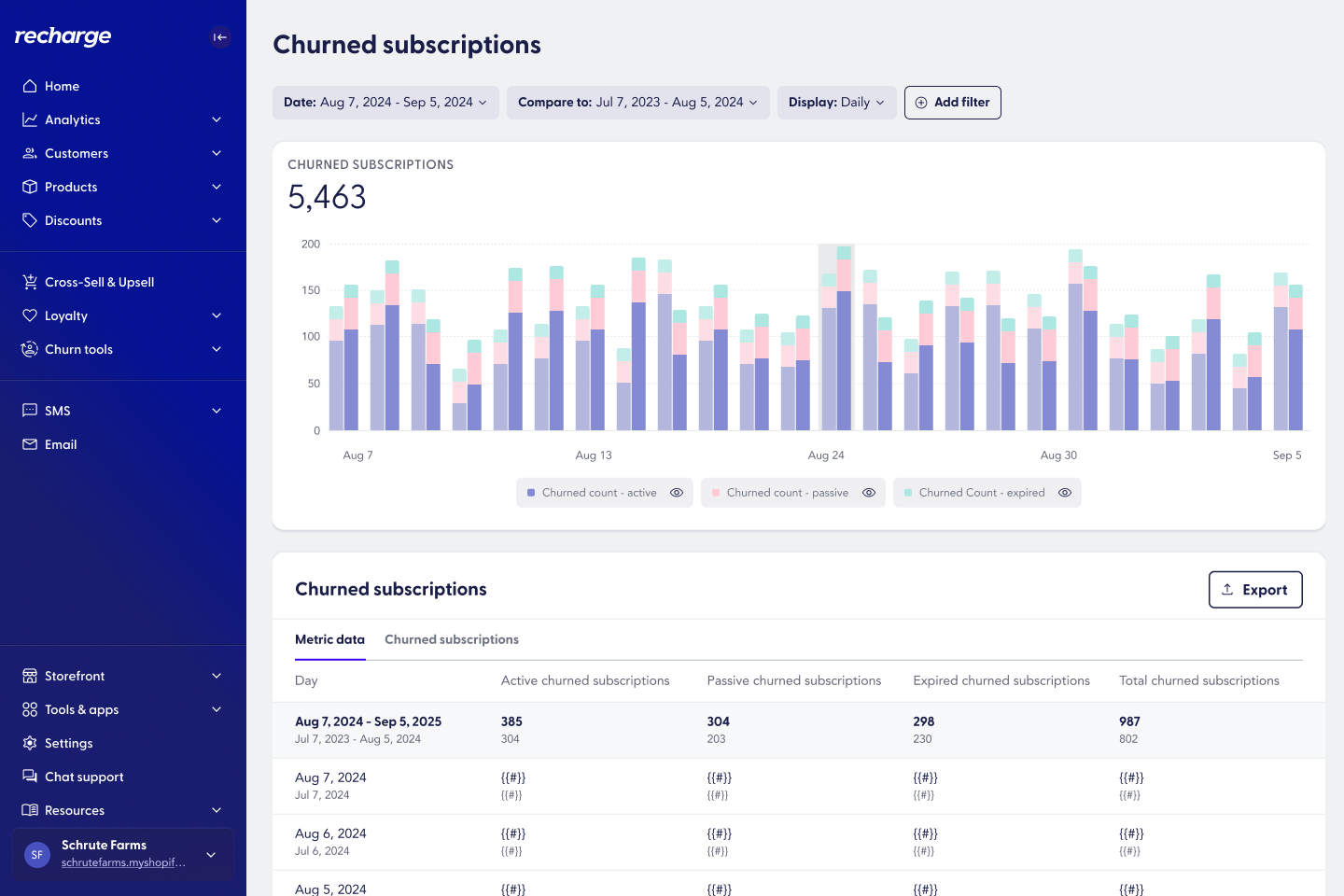
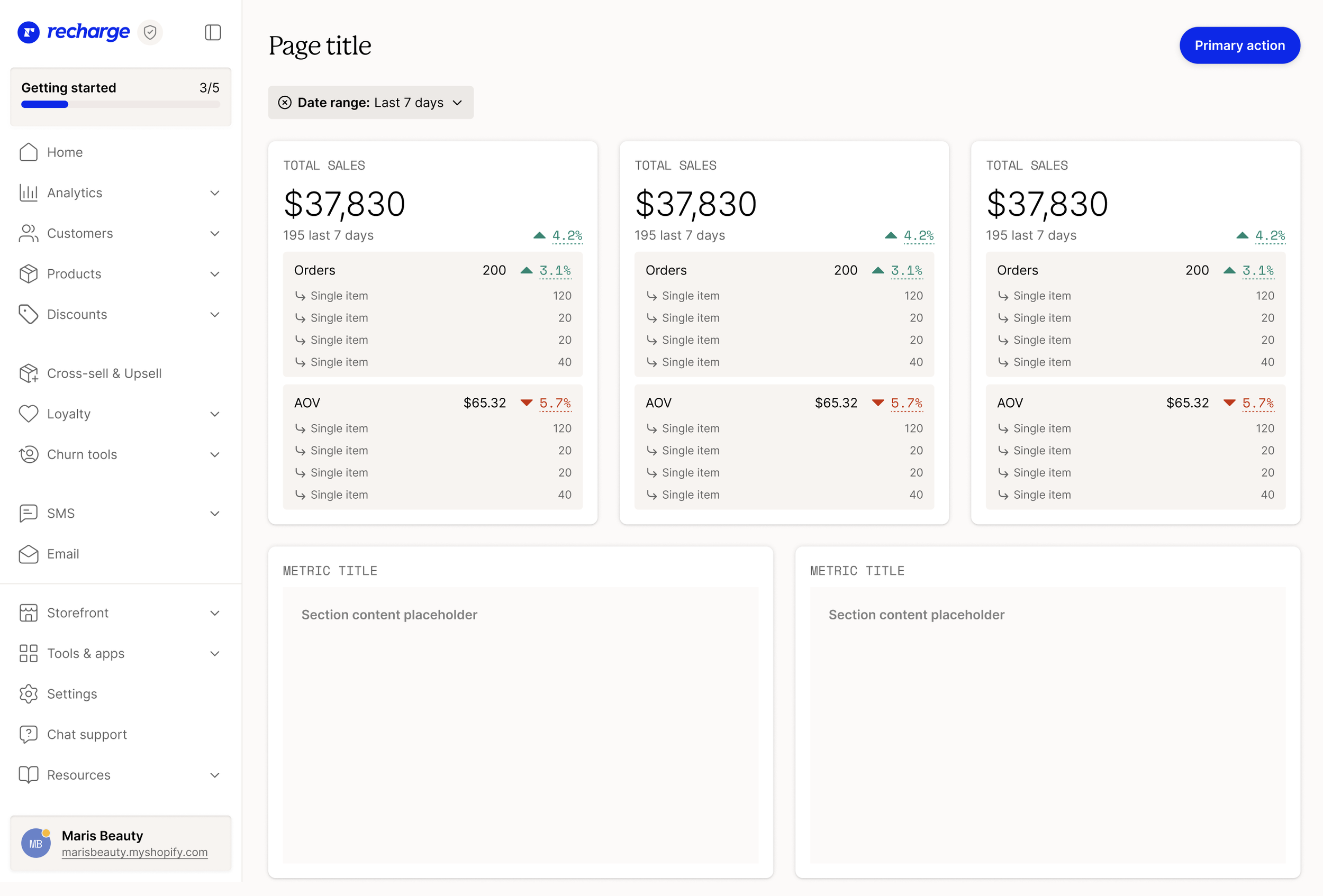
An example of an existing reportProblems with the current state of reports
Merchants could customize reports to their heart’s desire, but they couldn’t save their custom views. Merchants would have to come back to a report, reproduce all of their filters and customizations every single time they wanted to see it.
Filters and grouping controls were limited and didn’t allow merchants to slice their data many ways.
Loading times were lengthy whenever a merchant made a change to the view.
Existing reports wayfinding couldn’t support a growing list of reports.
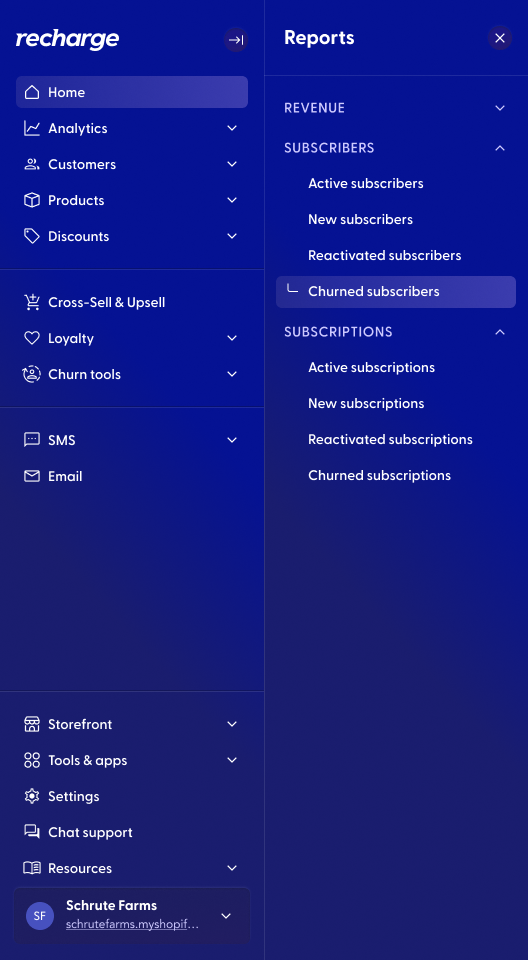
Old reports navigation was built into our main sidebar navigationThe goal:
Allow merchants to customize and build reports that are uniquely meaningful to them.
Let merchants modify existing reports and save them
Let merchants build brand new reports, from scratch
Expand report controls so merchants can find exactly the data they need
Reduce time spent waiting on a report to load
Revamp reports wayfinding, planning for a world with many more reports
Priorities
This was a lot to tackle all at once, and backend needed us to ease into steps of the project here. The project manager and I decided it would be best to break out our goals into milestones:
Milestone #1: Let merchants save reports
Milestone #2: Let merchants more easily find reports
Milestone #3: Improve functionality for existing reports
Milestone #4: Allow merchants to build brand new reports from scratch
Milestone #1: Let merchants save reports
This was the first step forward. How might we allow merchants to save the modifications they were making to existing reports so that they could quickly and easily come back to their custom views?
We didn’t need to reinvent the wheel here, as we had save patterns already established in app.
We did have a key decision to make: Would we let merchants override preset reports? Because we wanted merchants to always be able to access our preset reports and their value, we decided merchants could not save “over” one of the Recharge presets. This behavior was consistent with Shopify’s custom report builder, which is a familiar space for our merchants.
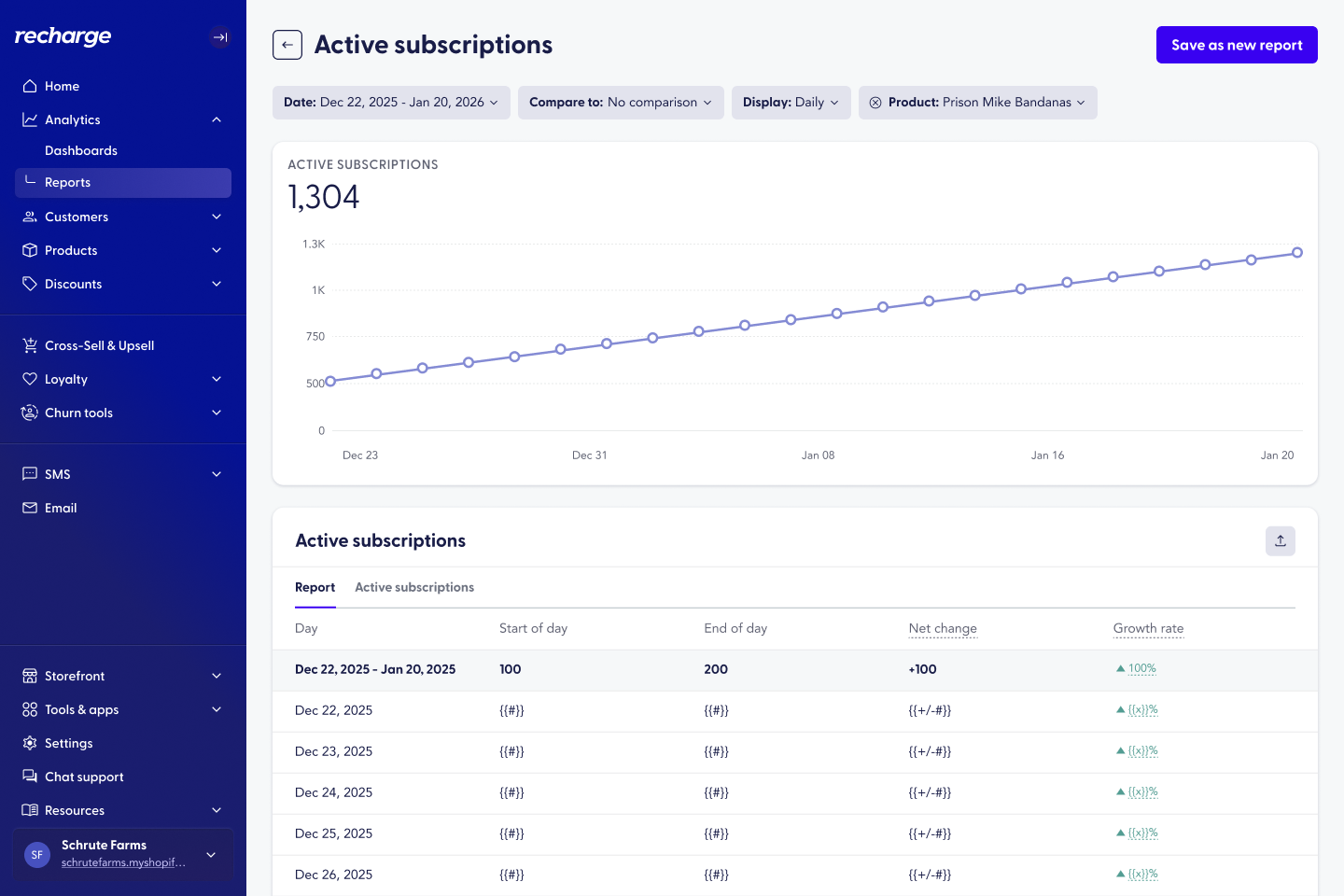
A preset report would only have “Save as new report”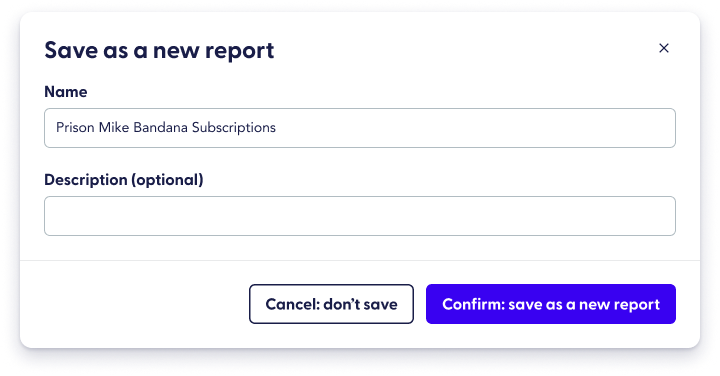
Merchants would be prompted to name their new report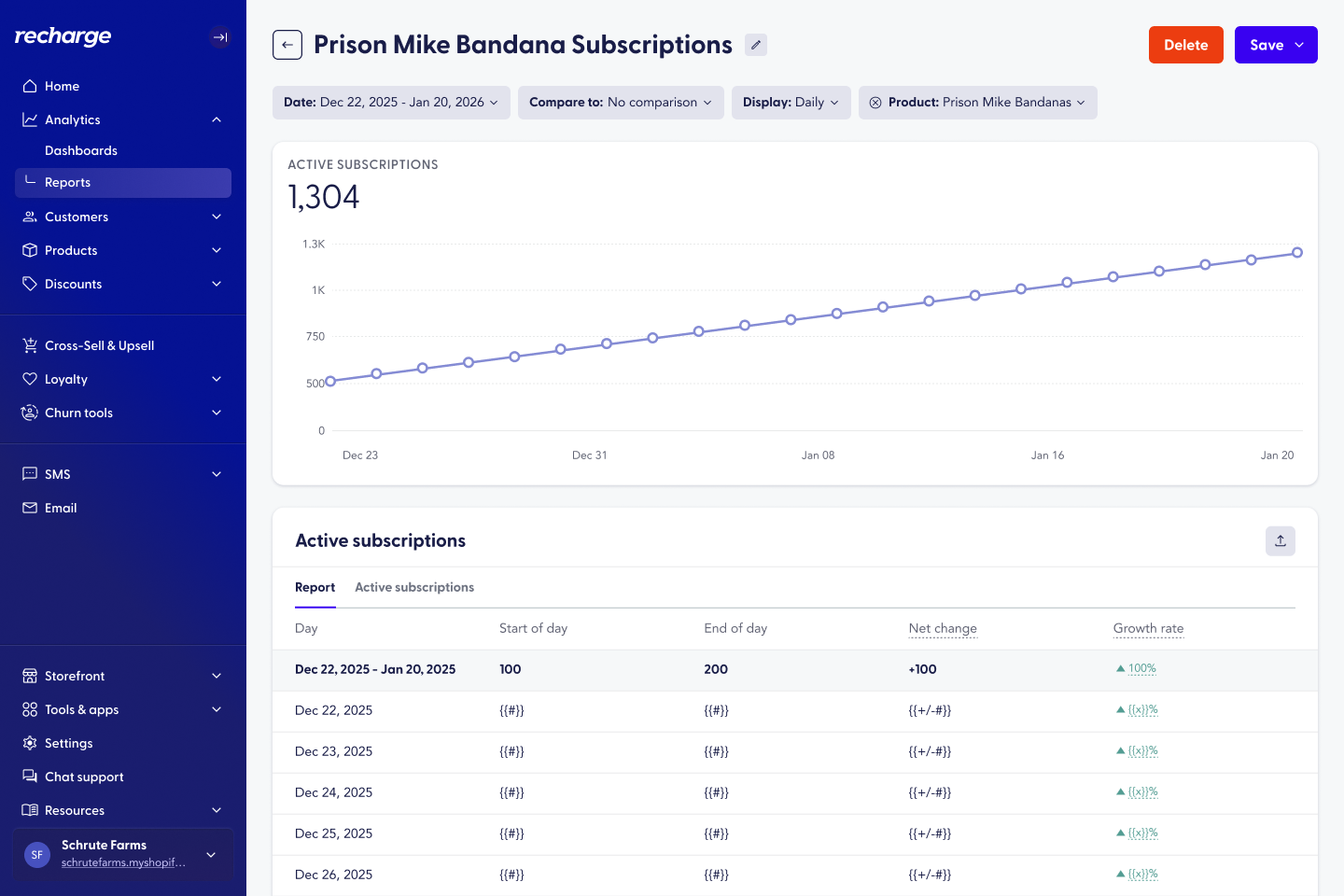
Custom reports could be deleted, saved, or saved as new